See it working
Real screens from the app — not mock-ups.
iPhone
iPad
Swipe or scroll each row for all eight screens
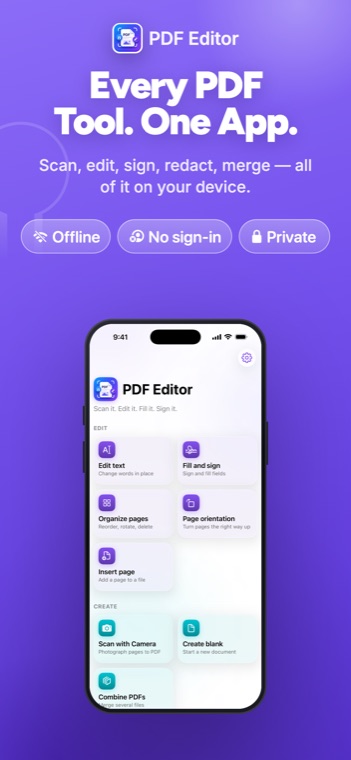
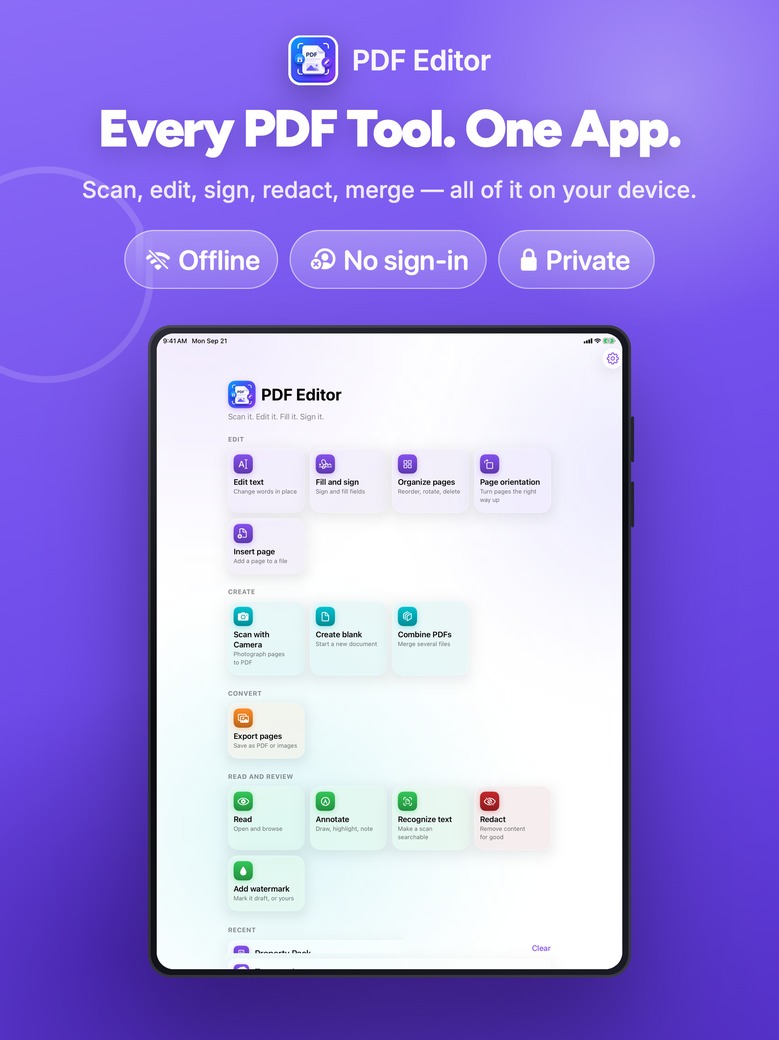
A complete PDF editor that runs entirely on your device. Photograph a page, change the words in it, fill a form, sign it, and send it — without a single byte leaving your hands.
One app for iPhone, iPad and Mac · No account · No subscription wall on export
Everything in one place
Most PDF apps make you upload a file to do anything useful with it. This one does the work locally — which is why it also works on a plane, in a hospital waiting room, and on documents you would never put on someone else’s server.
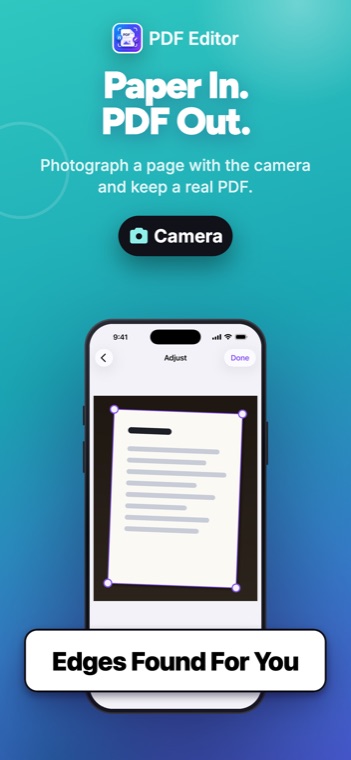
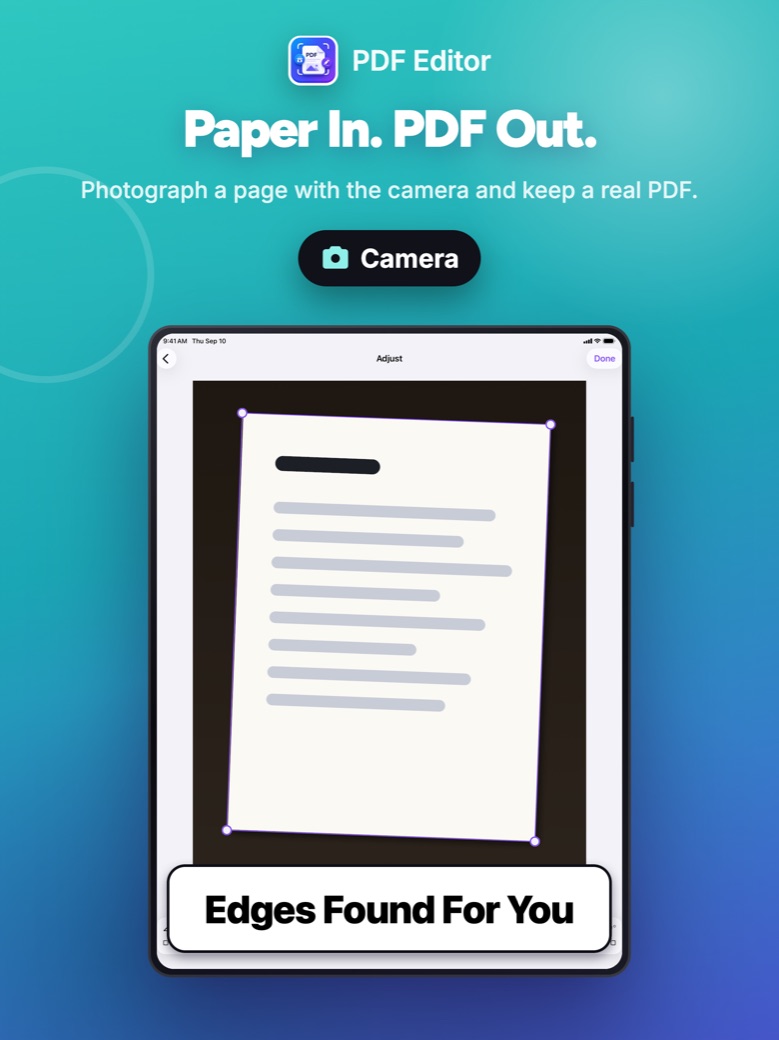
Edges found automatically, captured when steady, squared up and cleaned. Rotate, straighten, pick a look, add pages, save as one PDF.
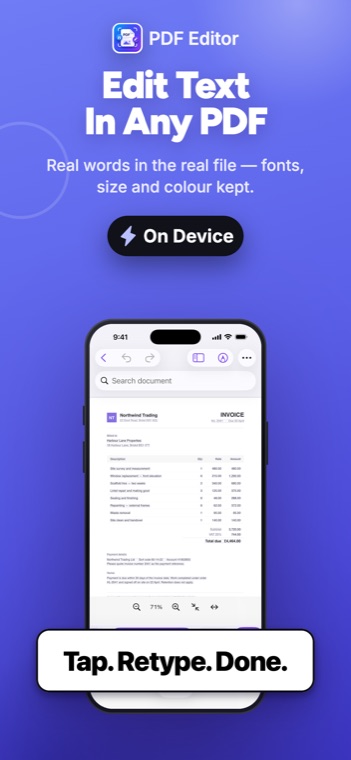
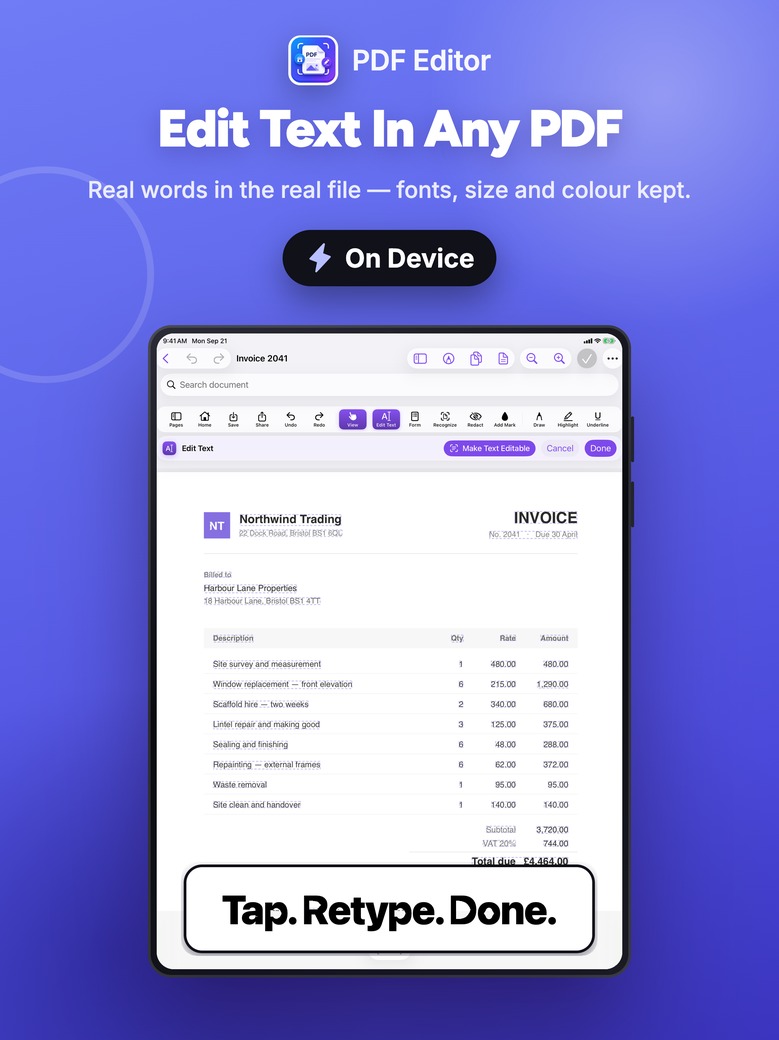
Change words already in the document, in place. Every editable run is outlined before you touch anything, so you can see what will move.
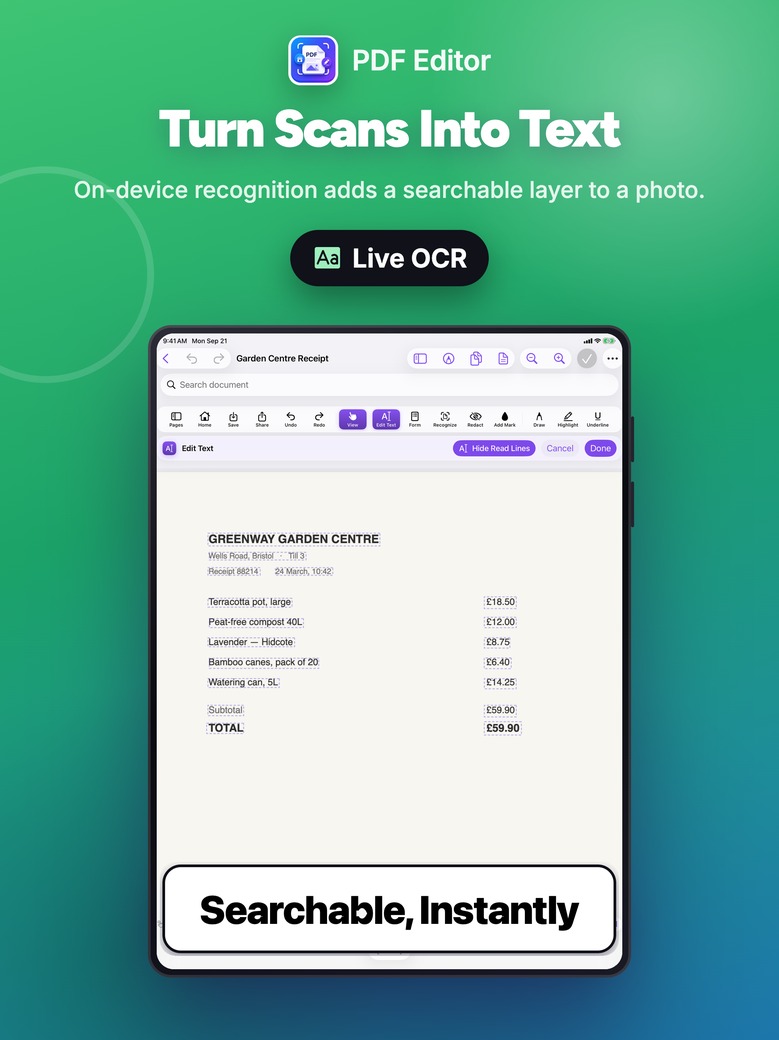
On a photographed page, the lines are read and outlined so you can replace one — patched with the paper’s own colour, fitted to the same box.
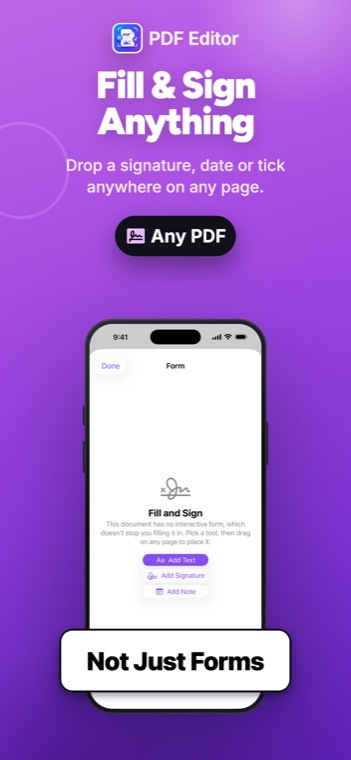
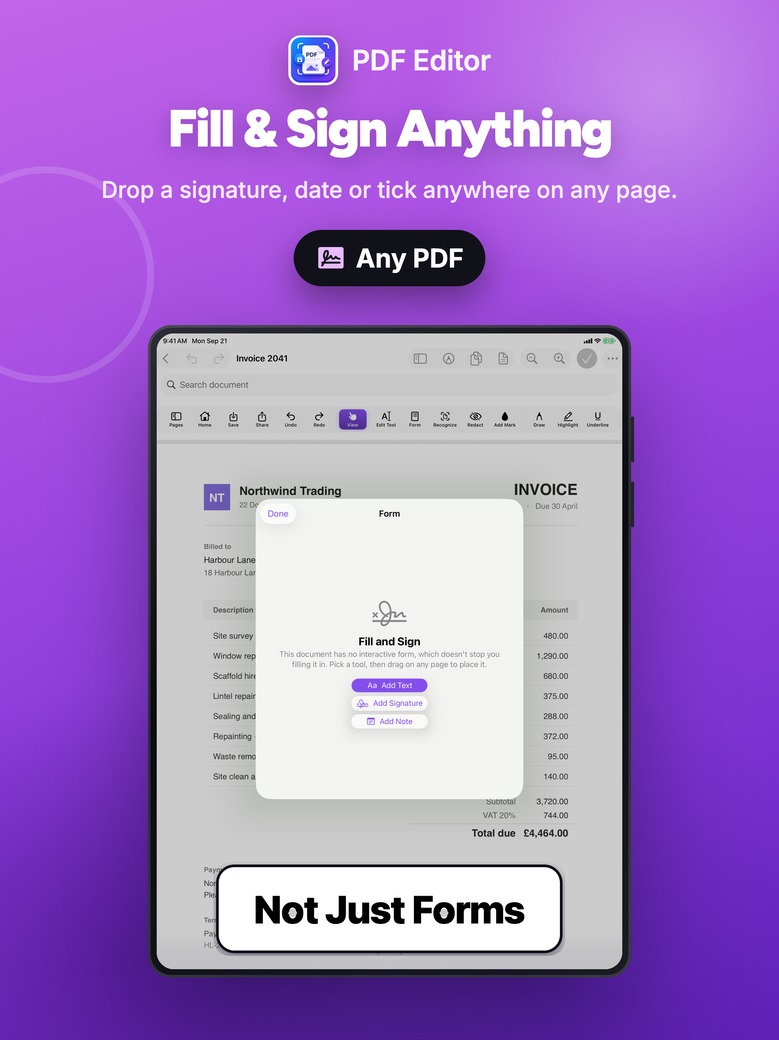
Real form fields in reading order, or a text box anywhere on a printed form. Sign by drawing or typing; your signature never leaves the device.
Ink, highlight, underline, strike through, notes, shapes and stamps. Pick a mark back up afterwards to move, resize or delete it.
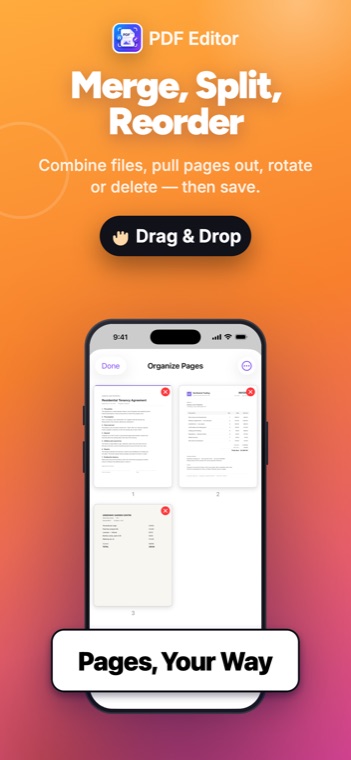
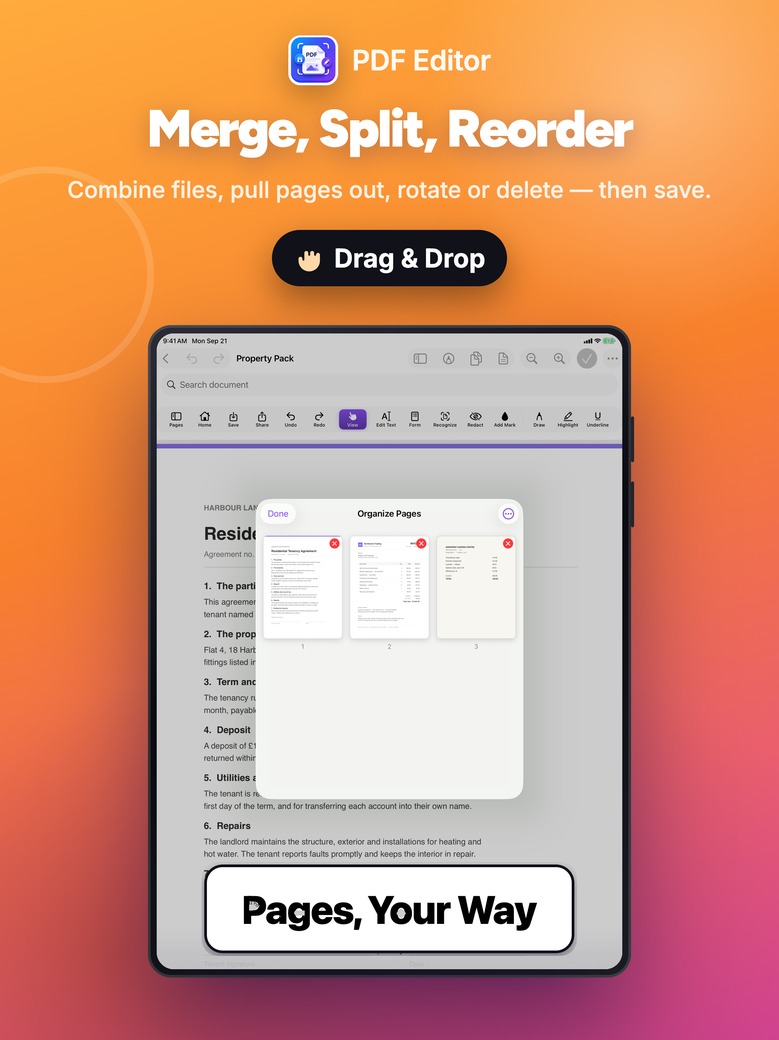
Reorder by dragging, rotate, delete, duplicate, extract, split and combine. Undo reaches all of it.
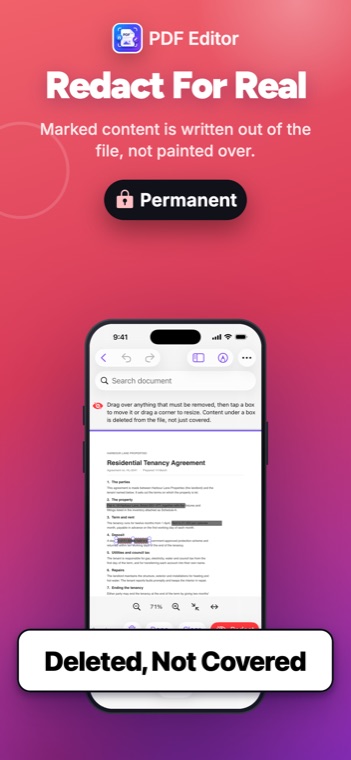
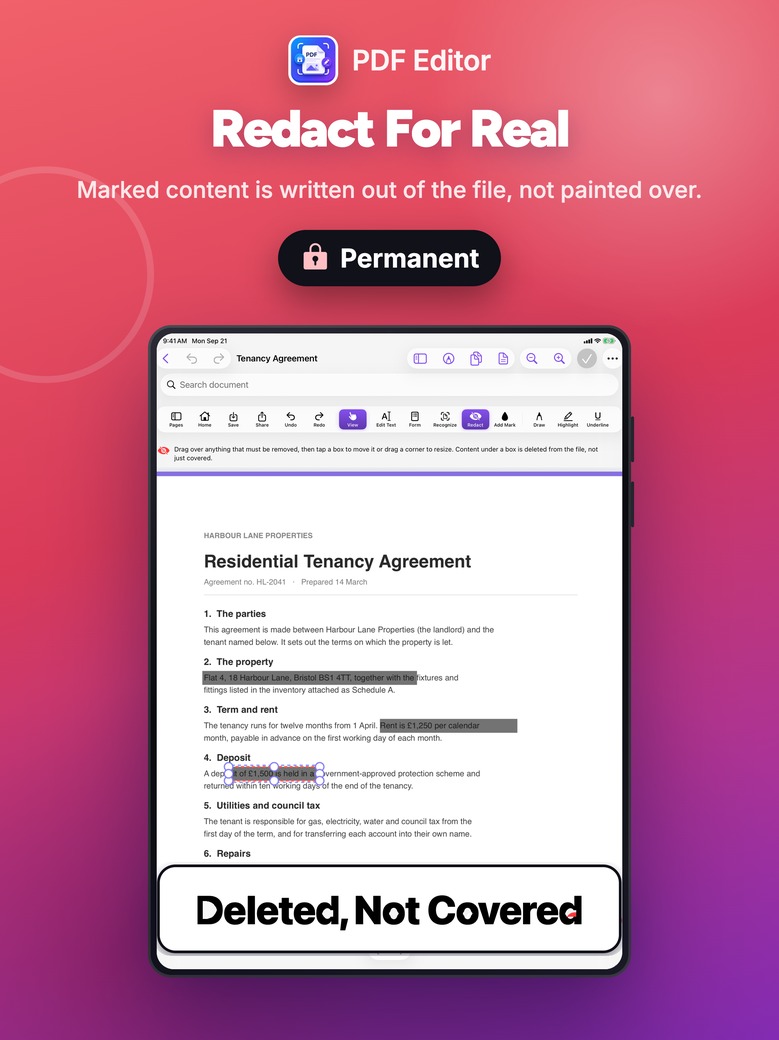
Content is removed and then the box is drawn — not the other way round. A black box alone leaves the text in the file for anyone to copy out.
Only images stored at more detail than they are drawn at get re-encoded. Text and vectors are never rasterised, so the file stays searchable and sharp.
Read the pages, then write the words out as a .docx in reading order, headings and page breaks kept. The text, honestly — not a pretend rebuild of the layout.
Mark a document draft, confidential, or yours — text or an image, tiled, centred or dragged anywhere on the page. Added as a stamp, so it undoes in one step.
One page at full size with a filmstrip of the rest, so the sideways one is easy to find. Turn a whole document at once if it all came in rotated.
Add the files, see each one's page count, and choose which goes first. The result opens in the page grid where any page can be dragged into place.
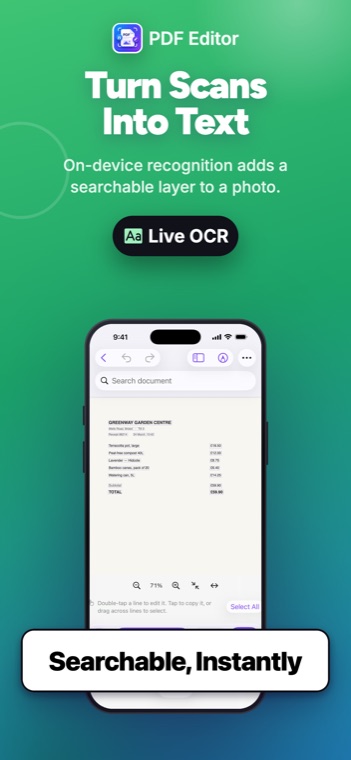
Recognition writes an invisible layer behind the picture. The page looks exactly as it did — only search, selection and copying start working.
Select across lines on a photographed page and copy or share the text. Nothing is written to the document to do it.
Save every page as a separate image file, or the whole document as a fresh PDF, wherever you choose to put it.
Real screens from the app — not mock-ups.
iPhone
iPad
Swipe or scroll each row for all eight screens
Privacy
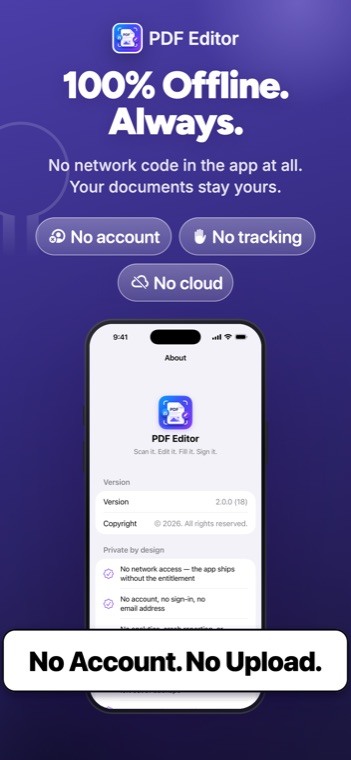
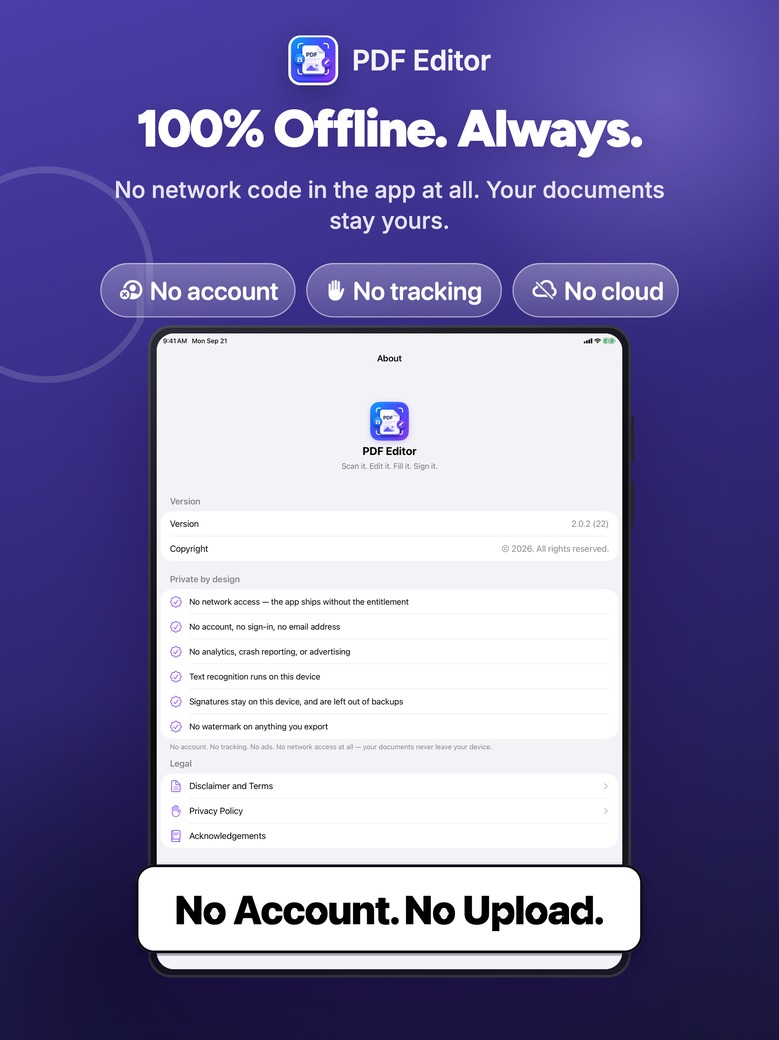
Not “we promise not to”. The app ships without any network entitlement, so the operating system will not grant it network access at all. There is no route by which a document could leave your device.
Where it stops, and says so: the Word export gives you the document’s text, not a rebuild of its layout — columns, tables and original fonts are not reproduced, because nothing offline can recover them from a picture without inventing most of it. There is no Excel export at all, for the same reason: a wrong number in a spreadsheet is worse than no spreadsheet.
Questions, bugs, or something worded confusingly? One person reads the email and answers it.